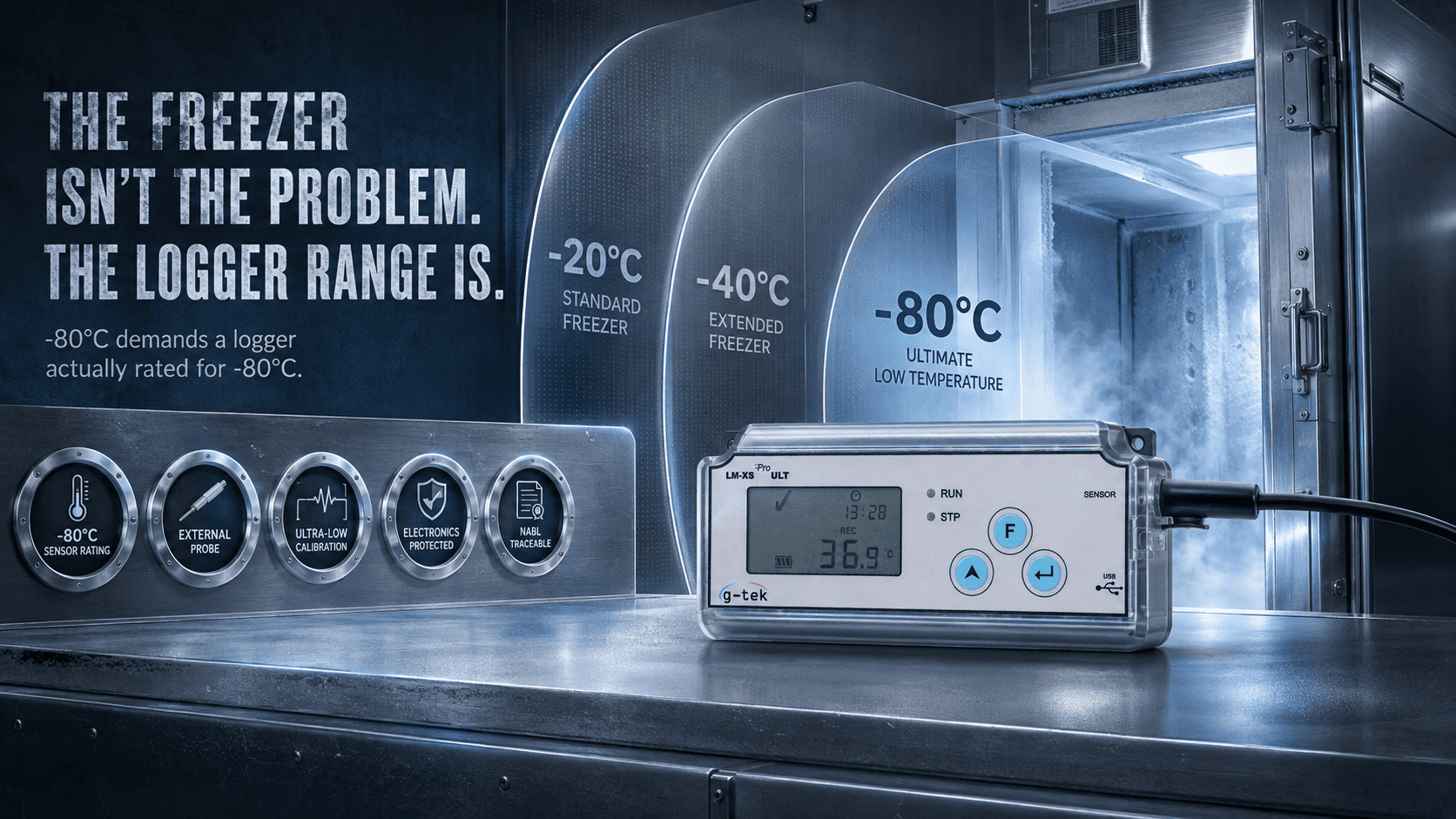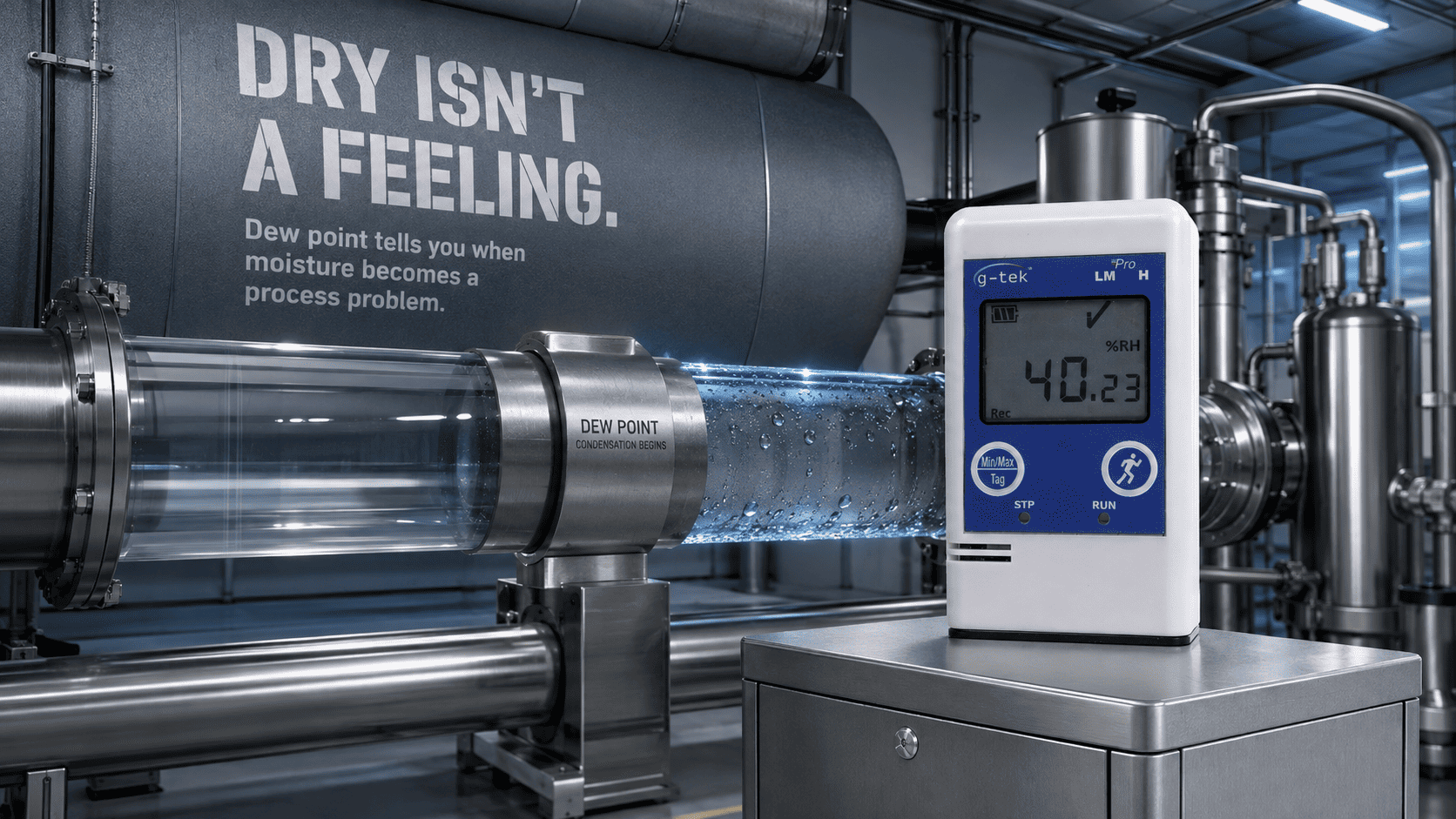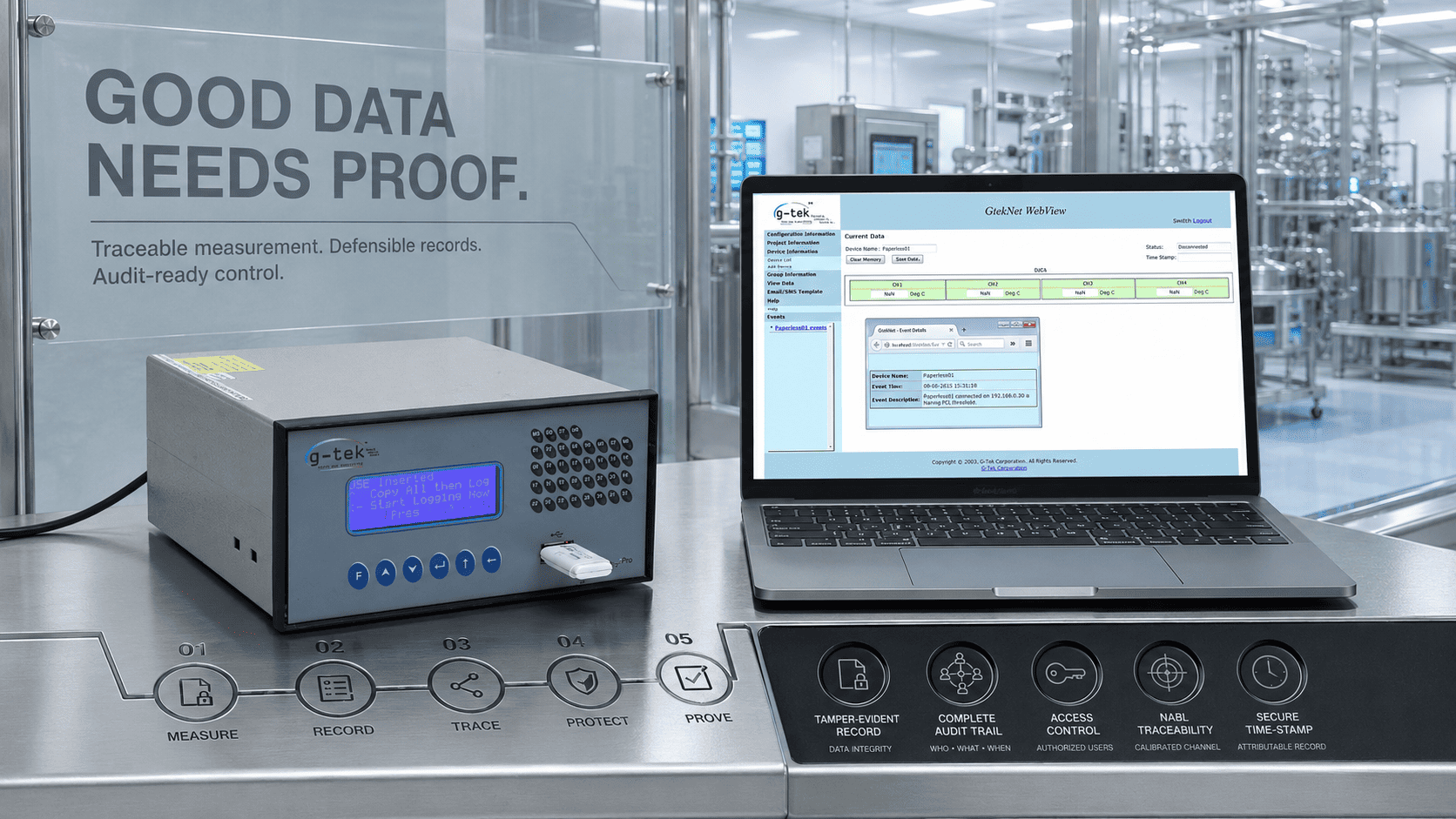
Ask yourself one thing before your next ultra-low purchase: is the logger you're about to…
It Caught the Excursion, You Found Out Later: USB vs Wireless vs IoT Loggers in 2026
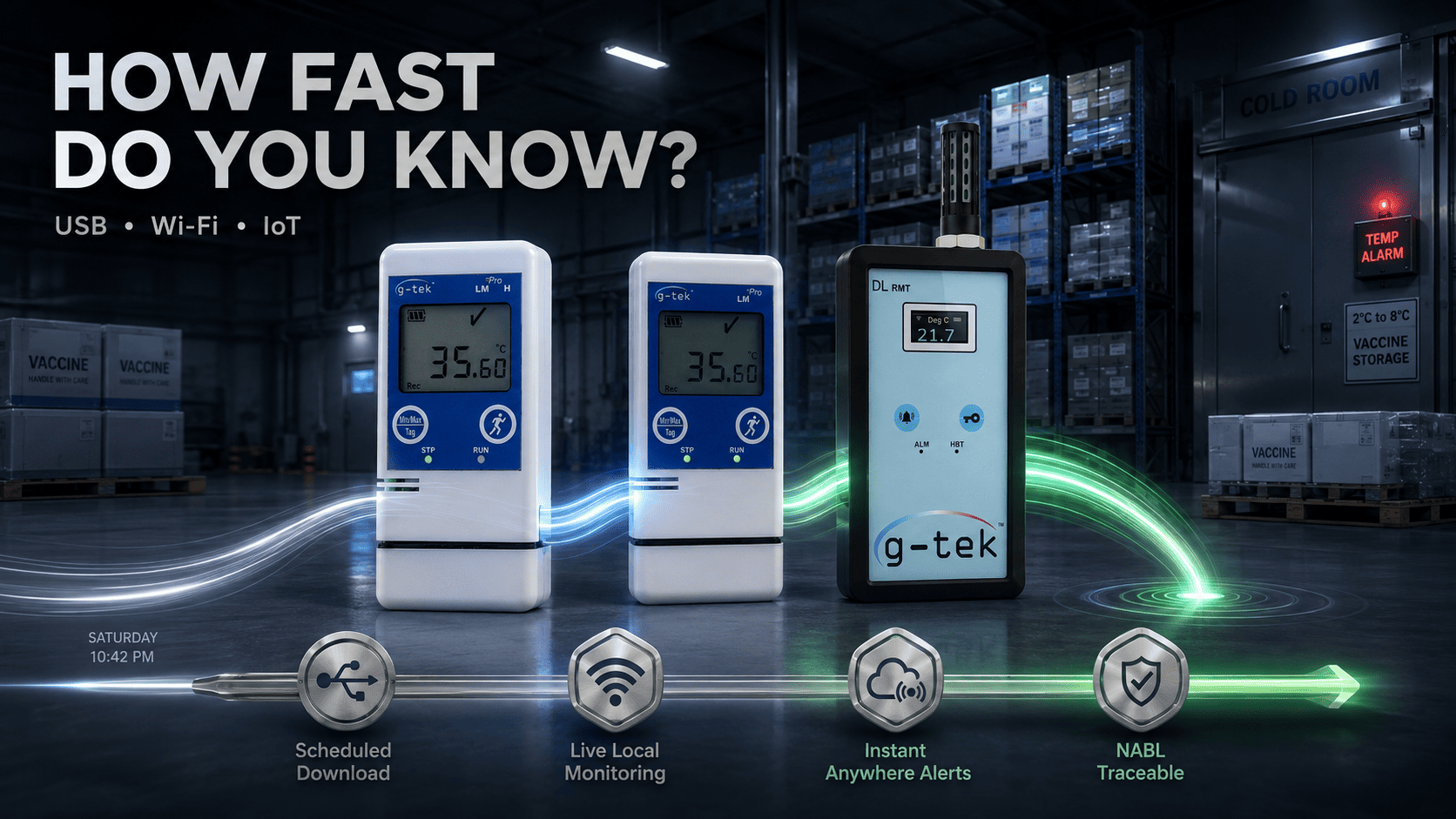
The logger did everything right. It sat in the cold room all weekend and recorded every minute of a Saturday-night excursion timestamped, complete, flawless. The problem was never the recording. Nobody plugged it in until Monday. By then, the batch was already gone.
The device caught it. The connectivity never told anyone.
In 2026, the difference between a USB, wireless, and IoT data logger isn’t accuracy all three record temperature. The difference is how fast you find out something went wrong. USB tells you when you download. Wireless tells you on the network. An IoT data logger tells you anywhere, the moment it happens.
If you’ve ever learned about a deviation only after the product was lost, you know this gap. You don’t feel it when you buy. You feel it the Monday you open the software and see a weekend of red data you couldn’t act on. That’s not a hardware failure. it’s a connectivity mismatch, and it’s avoidable.
🎯 Key Takeaways
- All three logger types record accurately – what changes is how fast you learn about a problem
- USB: data on download only – best for periodic review, validation, and mapping
- Wireless (Wi-Fi): live data to a local network – best for fixed sites with coverage
- IoT (cellular/cloud): remote access and instant alerts anywhere – best for remote sites, transport, or multi-site monitoring
- The wrong connectivity can mean either a missed excursion or paying for cloud connectivity you never needed
| Feature | USB | Wireless (Wi-Fi) | IoT (Cellular/Cloud) |
|---|---|---|---|
| How you get data | Plug in and download | Automatically to local network | Automatically to cloud, anywhere |
| Live alerts? | No — seen at download | On the local network | Yes – SMS/email alerts |
| Best for | Validation, mapping, periodic checks | Fixed sites with Wi-Fi | Remote sites, transport, multi-site |
| Needs | A PC on site | Wi-Fi coverage | Cellular signal/cloud connectivity |
| G-Tek fit | LM Pro T / LM Pro H | DL-RMT (Wi-Fi) | DL-RMT (GSM/cloud) |
USB, Wireless, or IoT Data Logger – What’s the Real Difference?
The real difference isn’t accuracy, it’s how quickly you find out about a temperature event: at download, on your local network, or instantly from anywhere.
A USB data logger stores data on the device. You plug it into a PC and read what already happened. It is simple and well suited when data is reviewed on a schedule.
A wireless data logger pushes readings automatically to your local network, so a fixed site can view data without someone manually walking a route.
An IoT data logger sends readings to the cloud over cellular connectivity, allowing the data and SMS or email alerts to reach authorized users remotely when an excursion occurs.
You can browse the full range of G-Tek data loggers to see how each type is built for a different monitoring requirement.
Which Connectivity Type Does Your Facility Actually Need?
Your facility needs USB if data is reviewed periodically on-site, wireless if it’s a fixed site with Wi-Fi that requires live monitoring, and IoT if you have remote sites, moving assets, or need alerts from anywhere.
Match connectivity to your response-time need, not habit.
A validation study or mapping exercise may not require cloud connectivity. A distribution vehicle or remote cold-chain asset may need faster access to excursion data so corrective action can be taken sooner.
For regulated environments, connectivity is only one part of the overall data-integrity requirement. Frameworks such as 21 CFR Part 11 may introduce requirements around electronic records, access controls, audit trails, and electronic signatures where applicable.
Connectivity decides how quickly you know. Your overall system controls determine how the electronic record is managed and maintained.
For remote or cold-chain assets, it’s worth mapping the wireless and IoT options against your actual signal availability and monitoring requirements before you commit.
How G-Tek Covers All Three – Without Over Buying
Because G-Tek Corporation builds loggers across different connectivity types, buyers can select a monitoring approach based on their actual application rather than simply choosing the most connected option.
Manufacturing monitoring and recording instruments in Vadodara since 1990, G-Tek offers the USB-based LM Pro T and LM Pro H for validation, mapping, and periodic review.
For applications that require remote connectivity, the DL-RMT supports Wi-Fi for local network monitoring and GSM/cloud connectivity for remote access and alerts when readings move outside defined limits.
Every unit is supported by calibration through G-Tek’s own NABL ISO/IEC 17025-accredited calibration laboratory, helping maintain measurement traceability regardless of the connectivity type selected.
That traceability is documented for G-Tek instruments, and you can review the accreditation information on the G-Tek calibration page when preparing for quality or audit requirements.
Match the Logger to How Fast You Need to Know
If you’re weighing USB against wireless or IoT, the deciding question isn’t only the spec sheet. It’s how quickly you need to find out when something drifts and whether your site has the connectivity needed to support real-time monitoring.
A USB logger may be exactly right for scheduled validation work. A wireless logger may suit a fixed facility. An IoT data logger may be the better choice when remote access and immediate alerts matter.
👉 Tell the G-Tek team your sites, whether you need instant alerts, and the connectivity available and get a clear recommendation on the logger type that fits, with nothing you don’t need.
Frequently Asked Questions
What's the difference between USB, wireless, and IoT data loggers?
All three record monitoring data. The main difference is access: USB data is downloaded on-site, wireless sends data to a local network, and an IoT data logger can send data to the cloud for remote access and alerts.
When is a USB data logger the right choice?
A USB data logger is suitable for periodic review, validation studies, and mapping where data is downloaded and checked on-site and live alerts are not required.
When do I need an IoT data logger instead?
An IoT data logger is useful when you have remote sites, moving assets, multiple locations, or need SMS/email alerts when an excursion occurs.
Does connectivity affect 21 CFR Part 11 compliance?
Connectivity alone does not determine compliance. Where 21 CFR Part 11 applies, compliance depends on the broader electronic record system and controls, including elements such as access control, audit trails, record integrity, and electronic signatures.
Which G-Tek products cover these connectivity types?
LM Pro T and LM Pro H are USB-based loggers. The DL-RMT supports Wi-Fi and GSM/cloud connectivity for applications that require remote monitoring. G-Tek instruments are supported by calibration traceability through its NABL ISO/IEC 17025-accredited laboratory.
Related Posts